Cypress-the-company is putting a lot of effort behind its cy.prompt command (which I recreated in cypress-think), so let's see if it is any good.
I took a simple login form and tried to create a test using three different approaches:
- coding in VSCode using "update the test / Cypress reruns it / update the test"
- using
cy.promptcommand from text - recording user actions using Cypress Studio
TLDR; only normal coding works reliably
Coding by hand
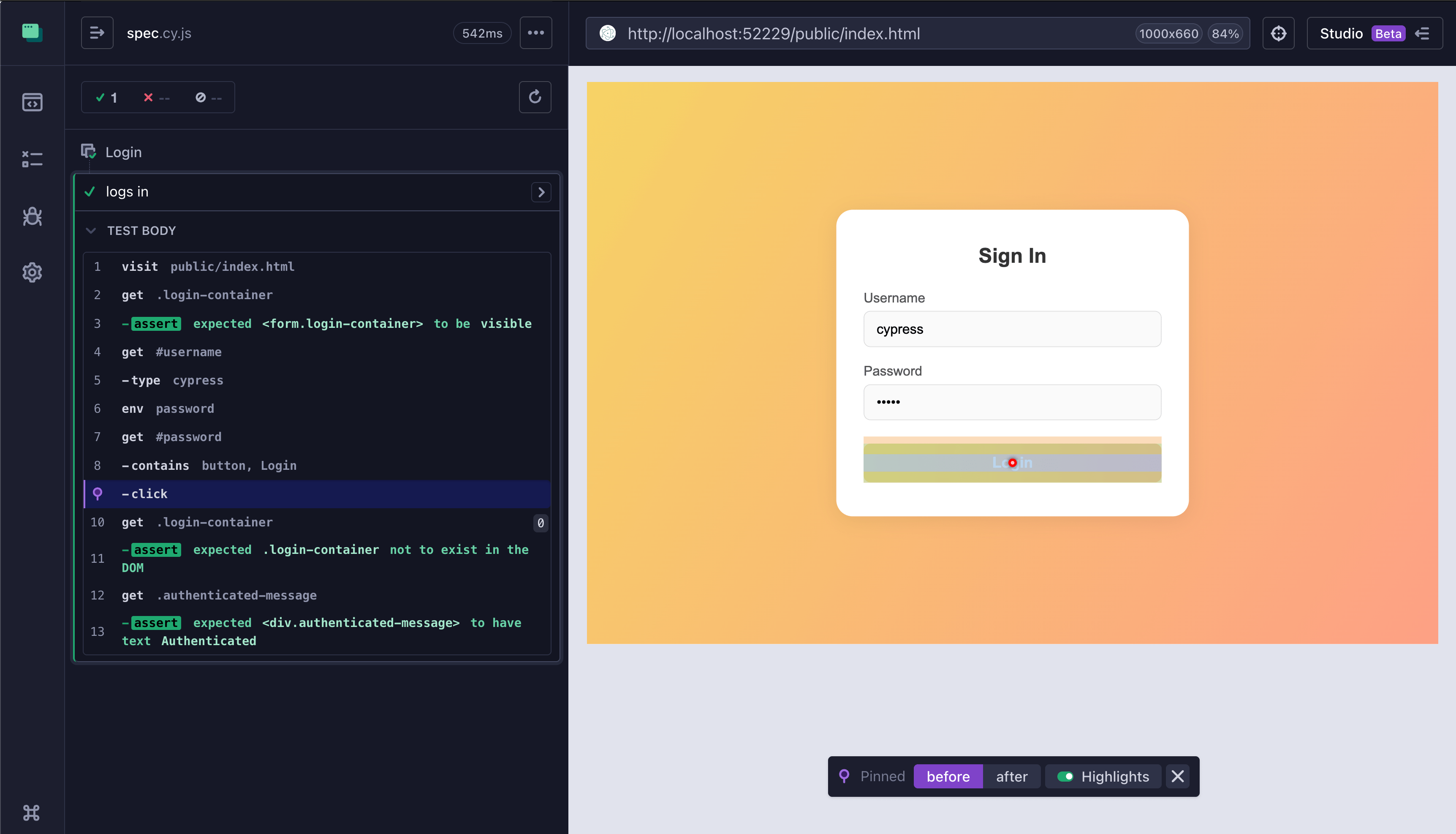
Here is the "normal" login test: we grab the username (not a secret) and password (secret) and enter them into the login form.
1 | describe('Login', () => { |
Nothing fancy, just simple steps
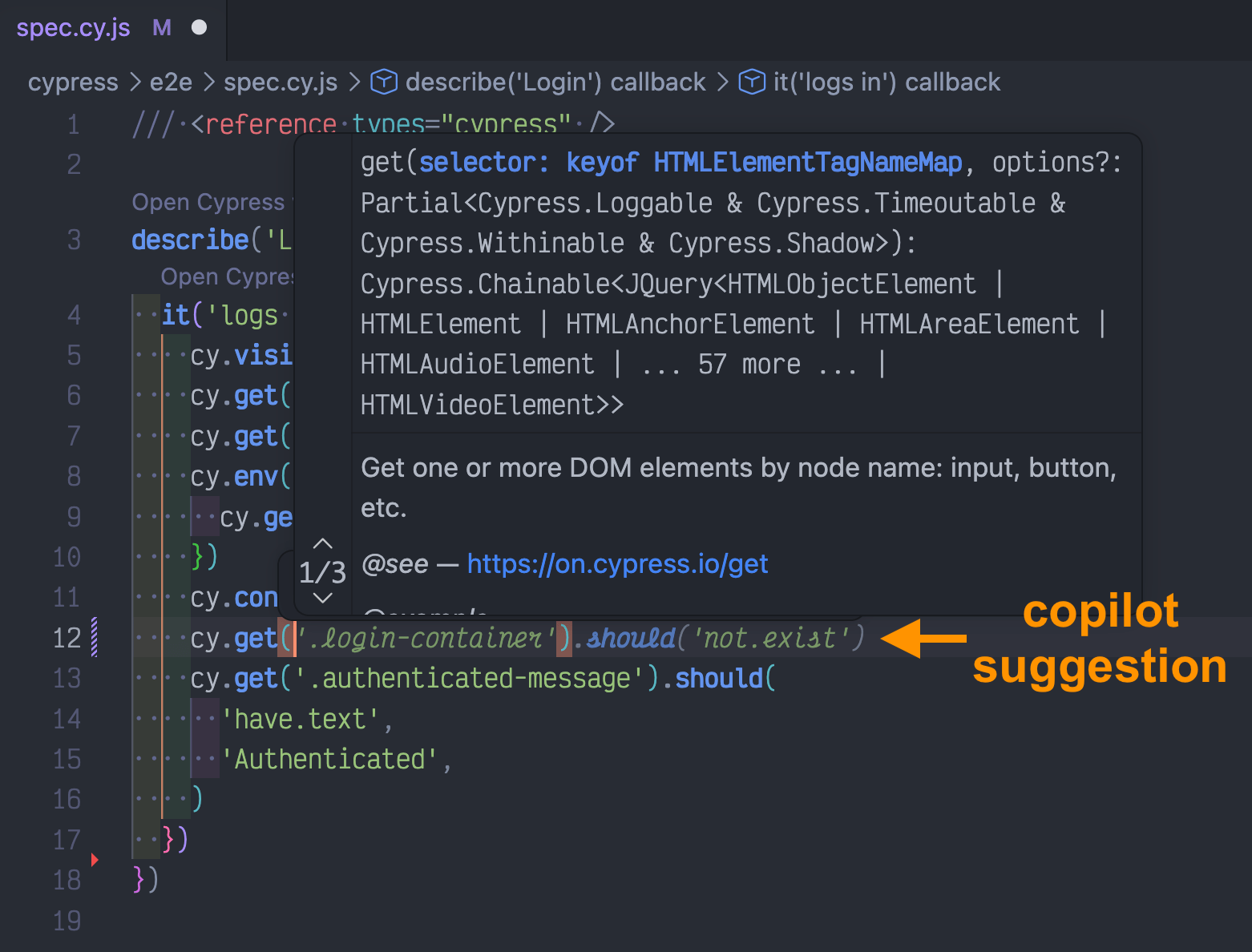
VSCode Copilot even helps with selectors, like the ".login-container", since it has access to the local "index.html" where the element is defined
Using cy.prompt
Let's describe what we want to do and let cy.prompt command figure it out. We grab the username and the password and pass them as placeholders to the prompt.
1 | describe('Login', () => { |
Cypress runs ... and fails on the "assert the login container is gone" line.
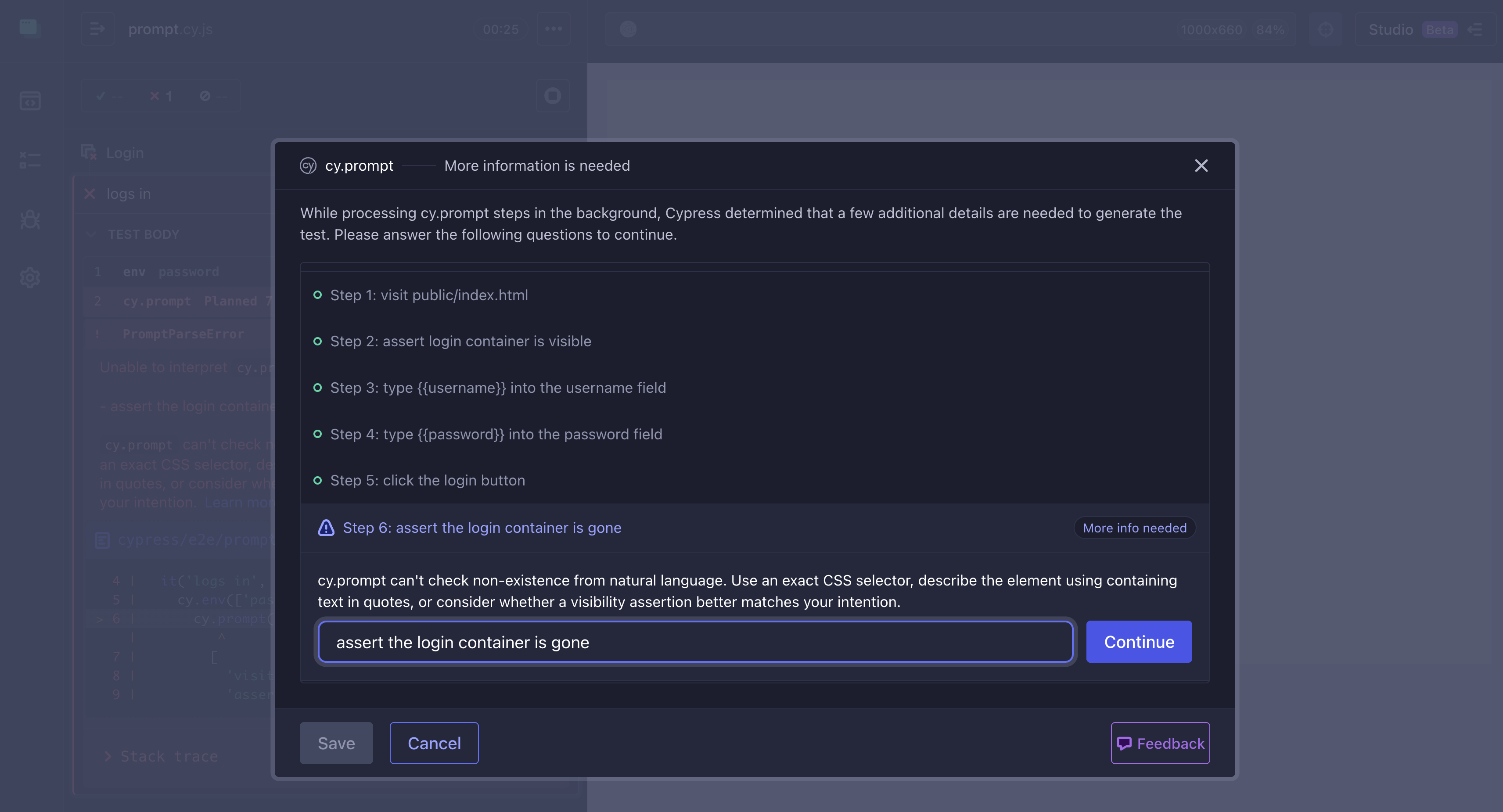
Hmm, isn't this the same login container as in the "assert login container is visible" line?! Ok, let's delete the problematic line and finish the rest of the test
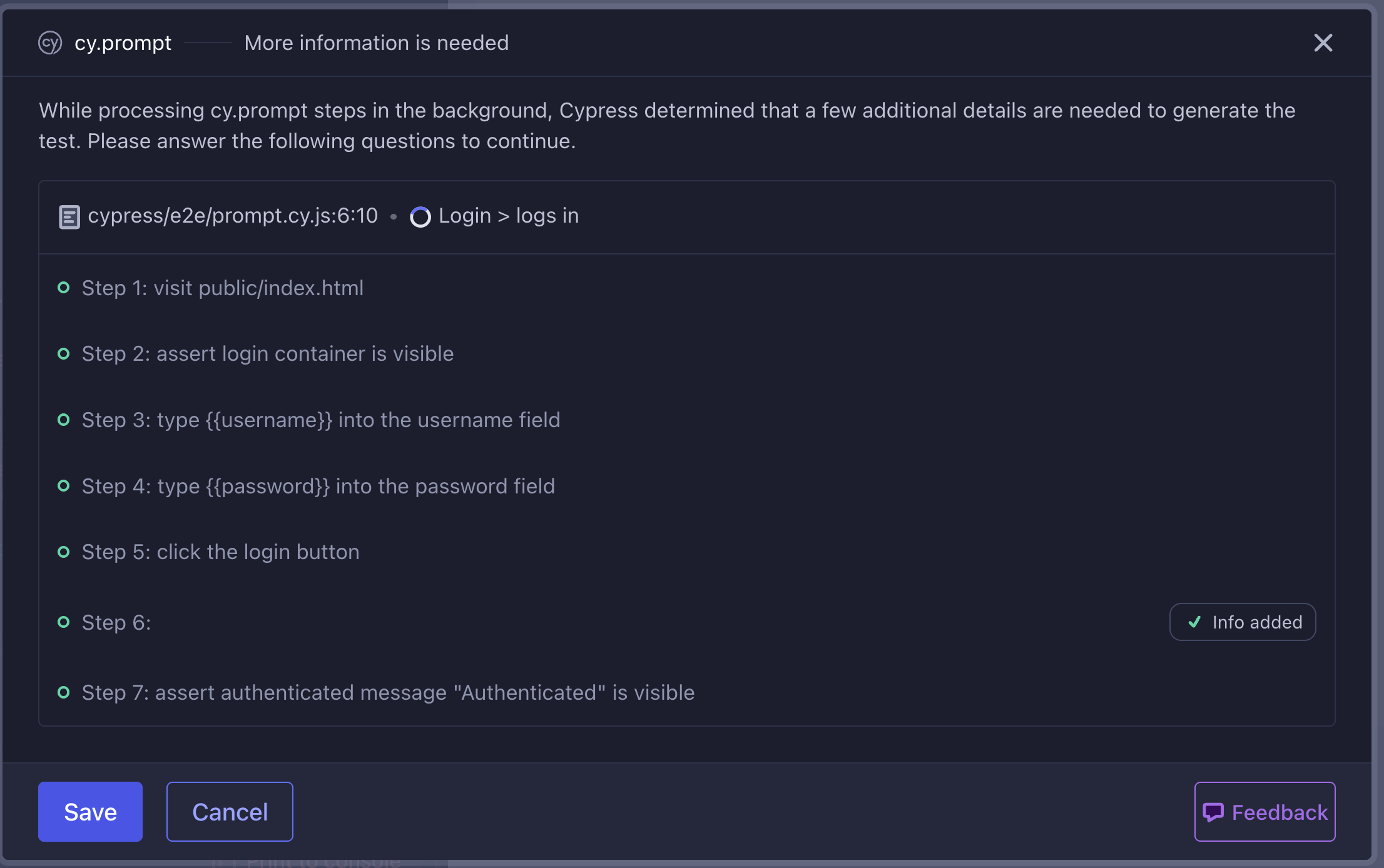
The test runs ... and cy.prompt fails.
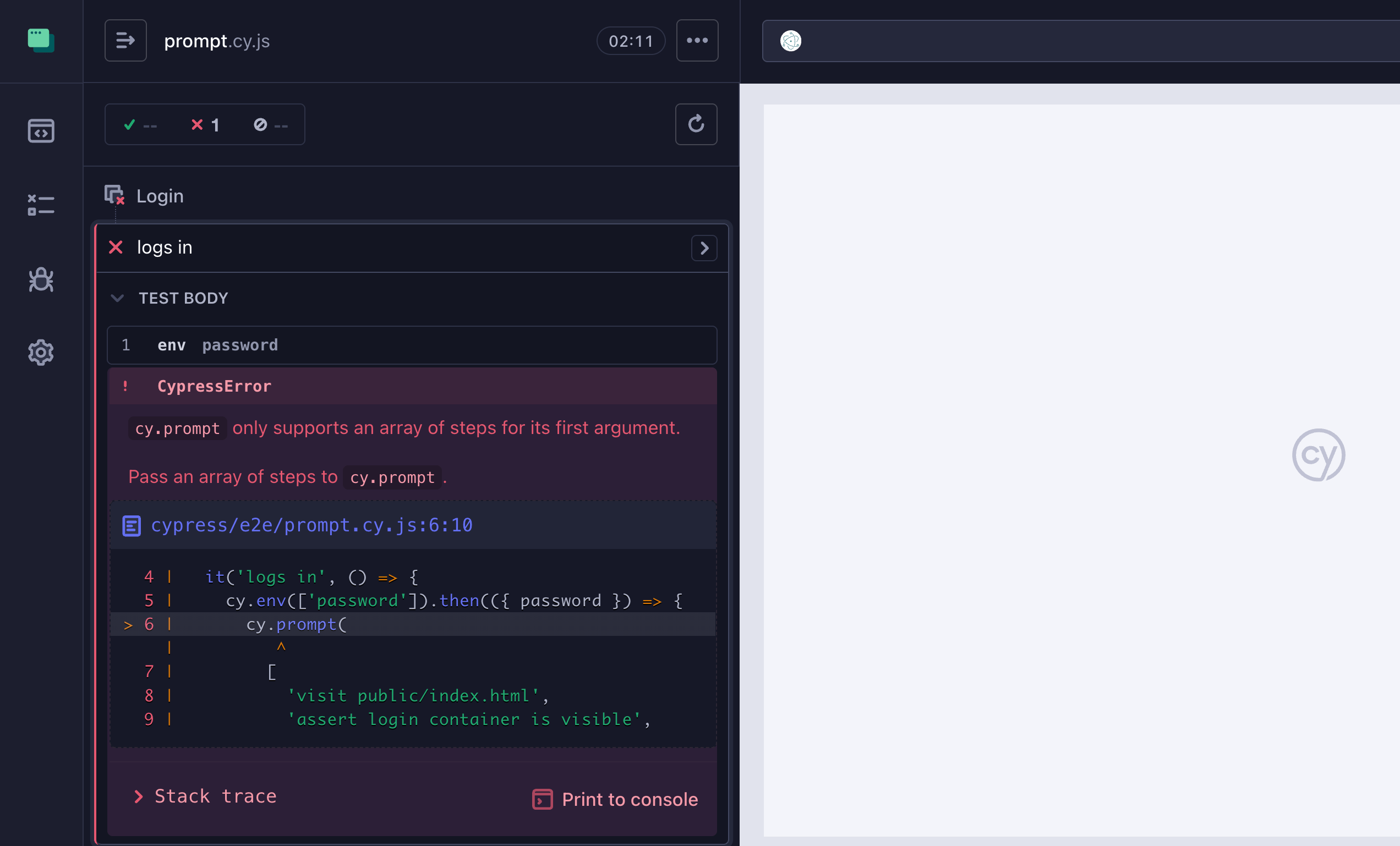
What is happening? Look at the updated spec file: it cleared the prompt line completely, and I guess cy.prompt breaks if any of the lines are empty
1 | cy.prompt( |
Is anyone testing this stuff?!!
Ok, delete the empty string and run the cy.prompt again.
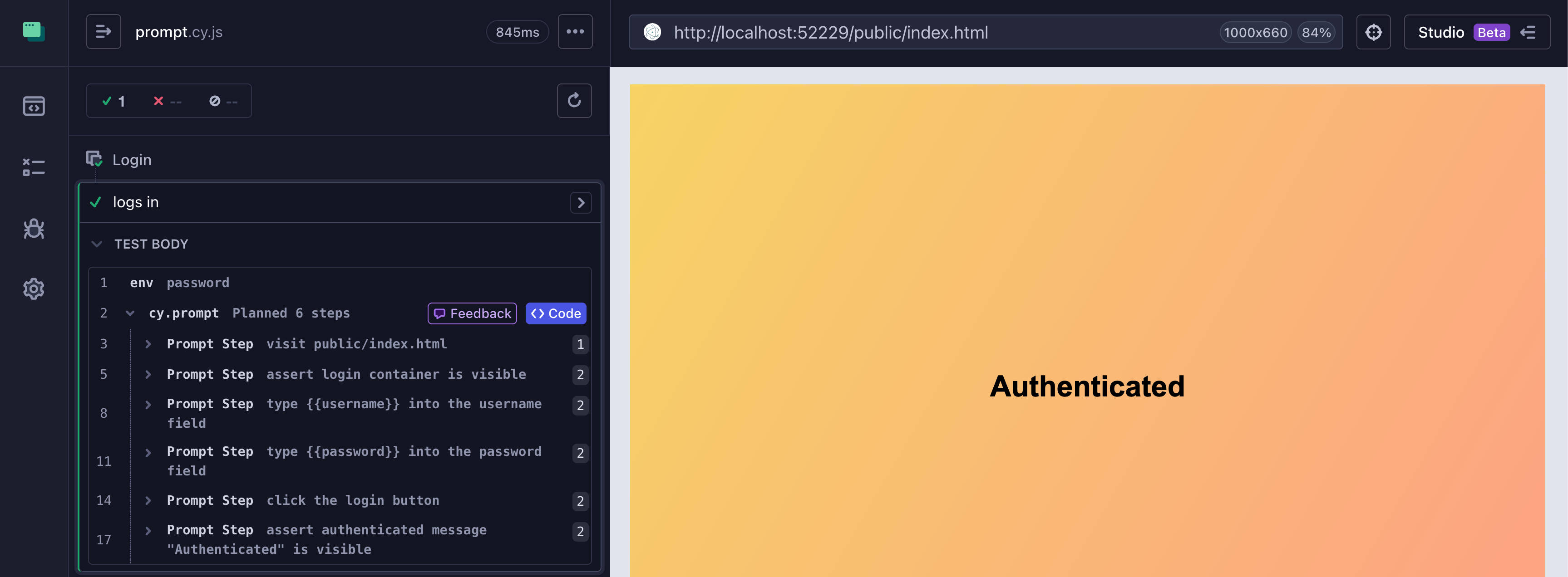
Click on the "Code" button and check out the generated code. Hmm.
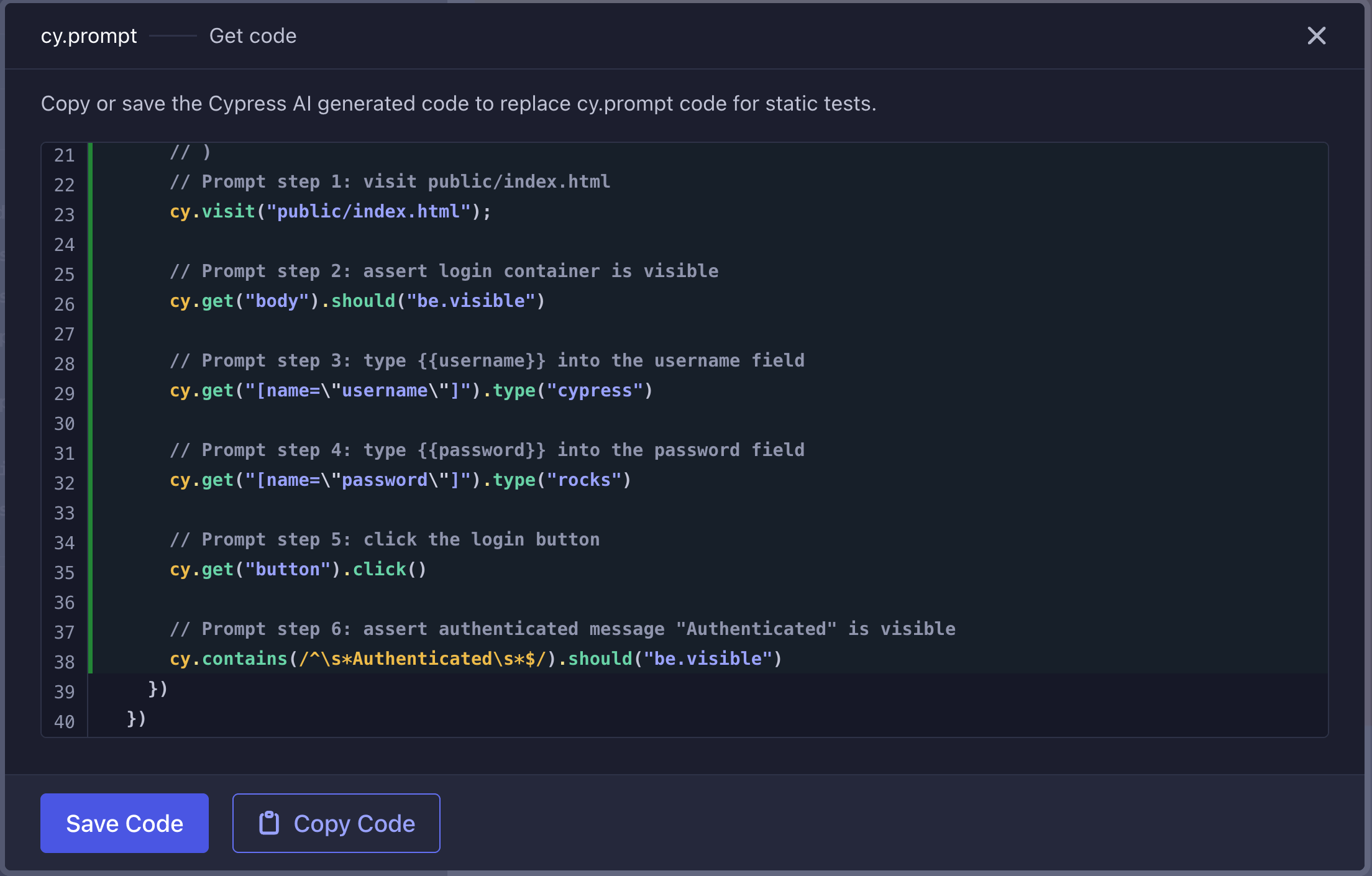
Oh my.
1 | // Prompt step 2: assert login container is visible |
Does this look acceptable? How about the inability to use the placeholders, the literals were put into the code!
1 | // Prompt step 3: type {{username}} into the username field |
Tough. The generated prompt requires cleaning up by hand.
Recording test using Cypress Studio
Ok, let's try the last approach: simply interacting with the page and recording the test using the Studio mode. We start with the page
1 | describe('Login', () => { |
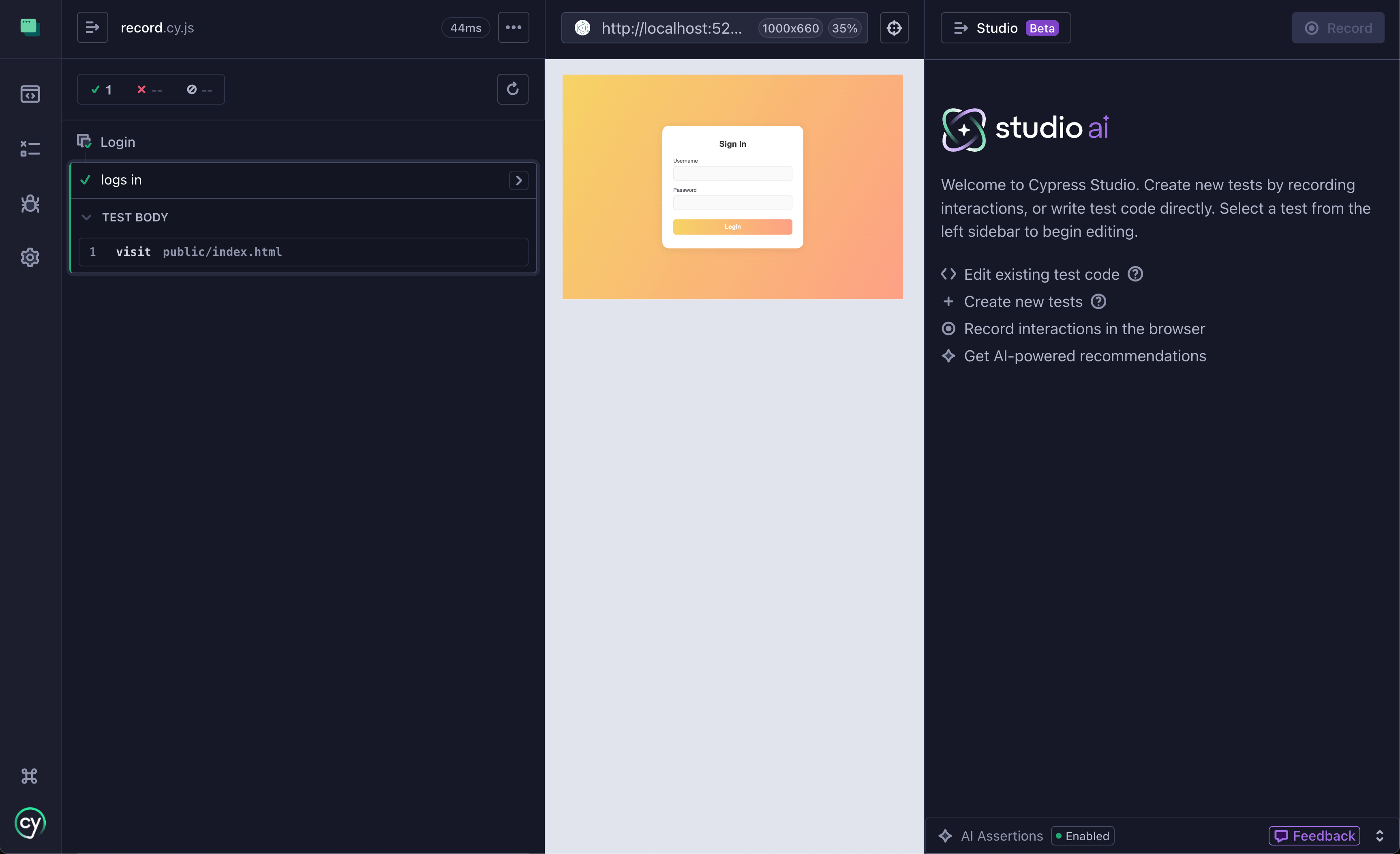
Pro-tip: you do NOT open Studio for an existing test, instead you click "Edit in Studio" button that only becomes available when you hover next to the test title. User-friendly /s
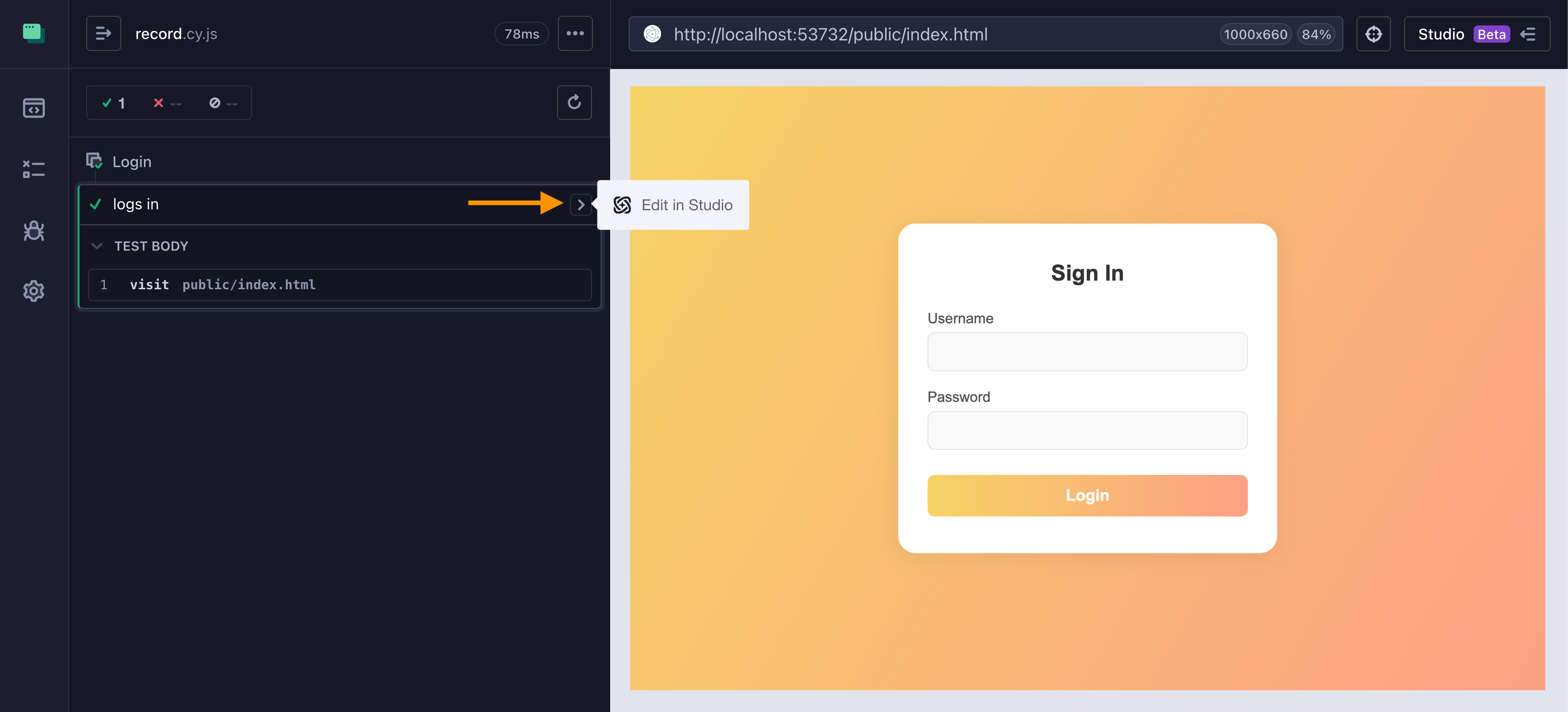
I enter "cypress" and "rocks" into the input fields and click the "Login" button. Studio shows the generated commands plus recommended assertions. I only accept the last assertion and save the file.
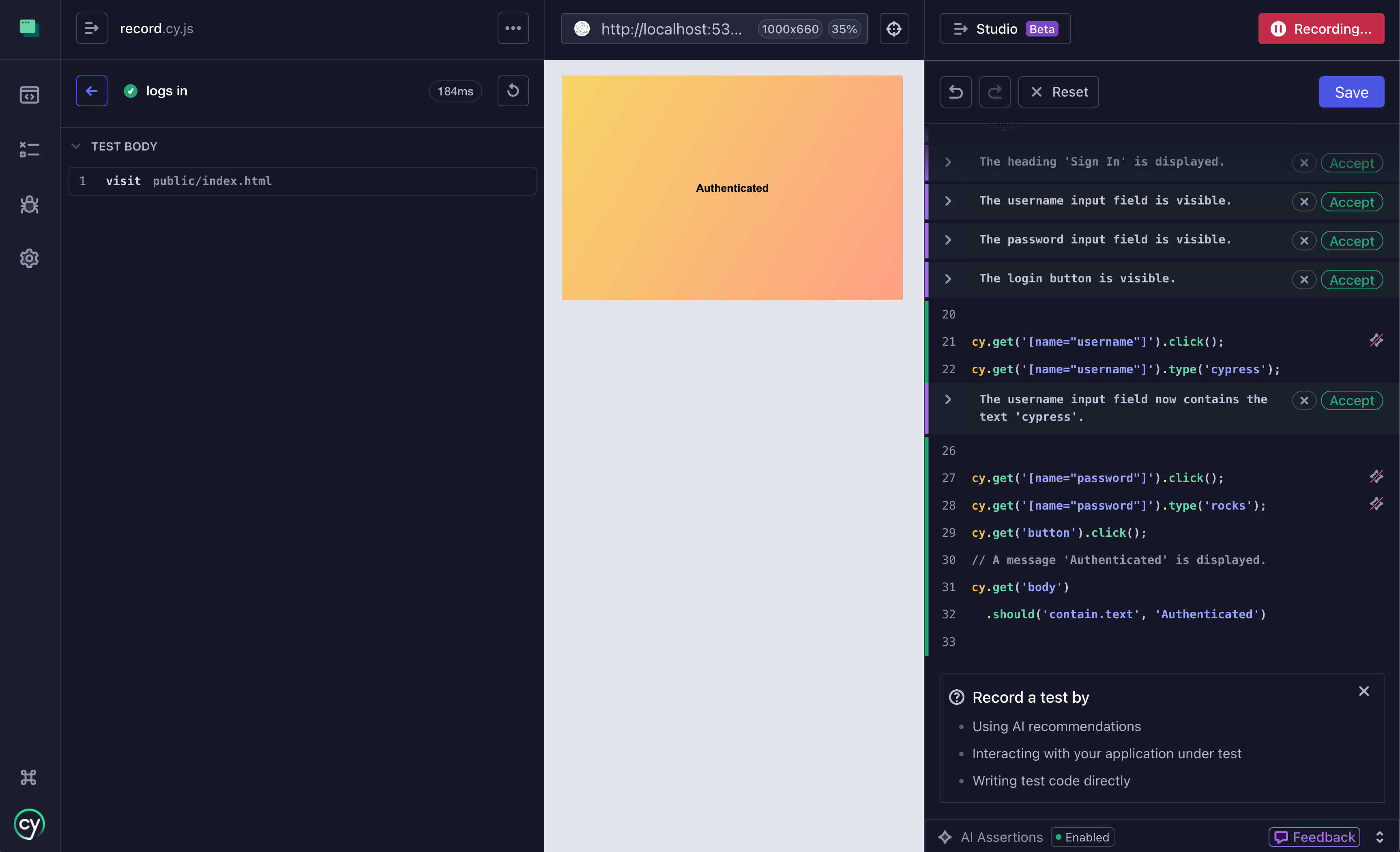
Ok, so what do we see in our code editor?
1 | /// <reference types="cypress" /> |
- it inserted all AI-generated assertions, ignoring me not clicking the "Accept" button
- it completely skipped using recommended / unique selectors for the submit button or "Authenticated" element
- it could not generate any negative assertions to confirm that the login form is gone or there are no error messages
- it does not understand secrets and placeholders
Ughh, the recorded test needs a lot of cleaning up
And the winner is... my code editor. It is much faster to simply write the test by hand, watching the test re-run on "Save". If you can use Copilot, it suggests good selectors and code snippets, speeding test coding even more. If you want to see Copilot and Cypress working together, check out my course Write Cypress Tests Using GitHub Copilot. Everything else requires so much cleanup, it is not worth wasting time on.